
More room.
Less clutter.
A little cleanup. A lot more space.
Meet your everyday toolkit for tidier
files and photos.
For Android Contains ads
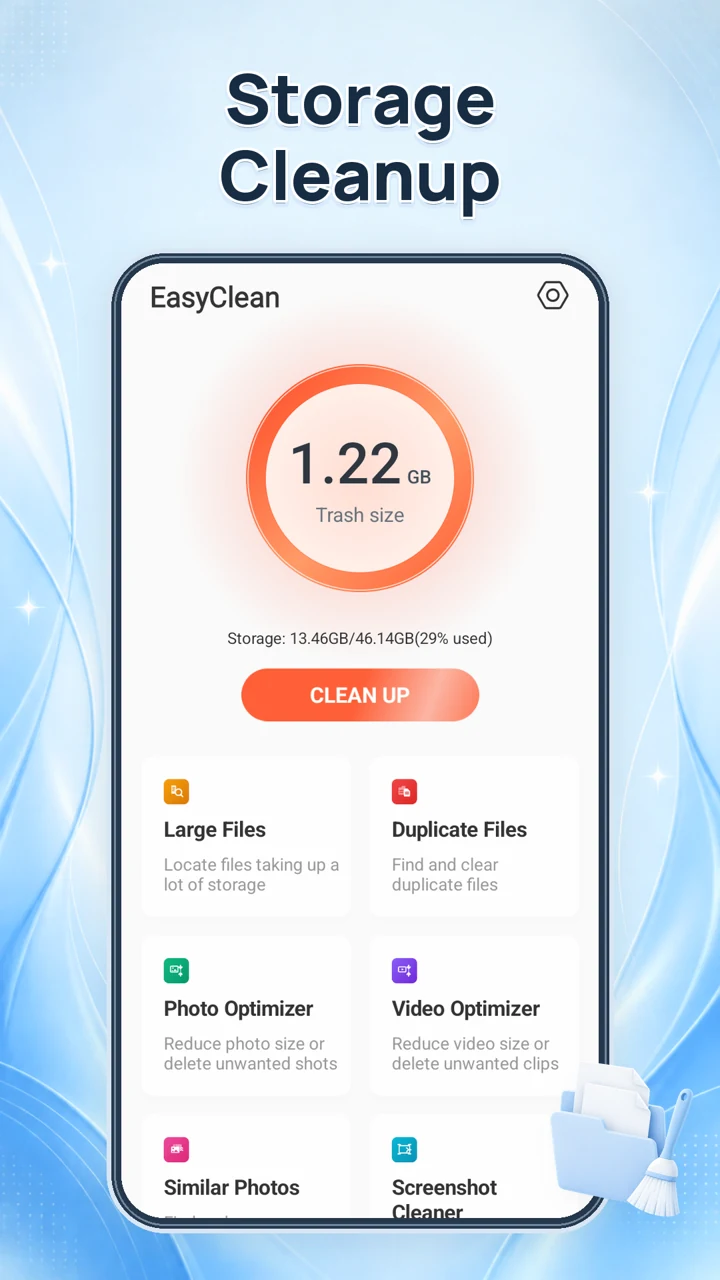
01 / YOUR EVERYDAY TOOLKIT
Less searching. More space.
Find what is taking up space, then decide what stays.
A little review goes a long way.
Scan your storage
Give the access your tools need, then see what is taking up space.
Review the results
Take a closer look. Keep the files that matter and back up important ones.
Choose what to clean
Select what you no longer need and confirm your cleanup in the app.
Your files.
Your call.
File scans, comparisons and compression happen on your device. You choose which files to remove.
The app uses advertising and analytics services, and network tools connect to external services.
Read our Privacy Policy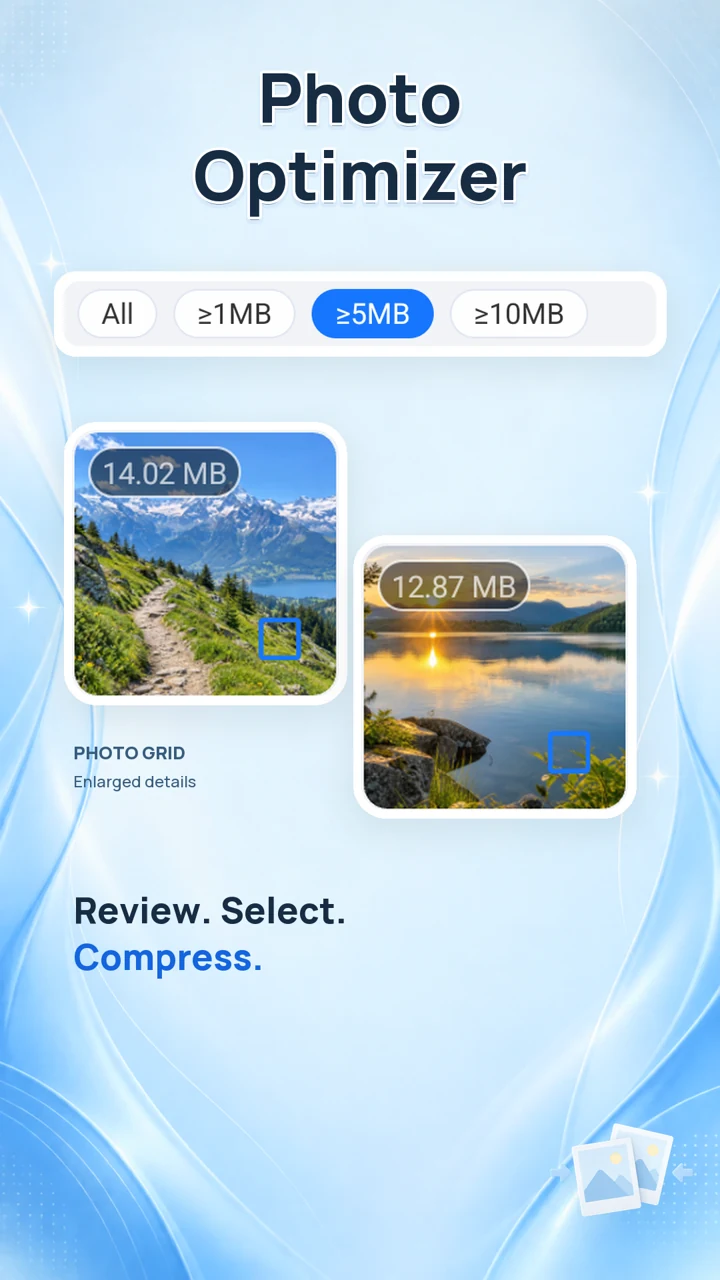
A few things to know.
What can I clean with EasyClean?
Find accessible junk, large files, duplicate files, screenshots and similar photos. You can also review photos and videos for compression. You choose what to remove; available tools depend on your device and permissions.
Do I need an account?
The current app does not require an EasyClean account or offer an EasyClean paid subscription. EasyClean is advertising-supported, so ads can appear while using the app.
How does EasyClean handle my files?
File scans, comparisons and compression run on your device. The current app does not upload your scanned file or media contents as part of those operations. Advertising, analytics and network tools make separate connections. Read our Privacy Policy for details about permissions, providers and your choices.
Make room for what matters.
Clean up your storage, organize your files, and keep what you love.